Bring a system you bought into Nebula and install it in MetaTrader as an EA.
You need
- Nebula installed and activated with the same email you used at checkout, MetaTrader 5 open and logged in, and an internet connection.
Where your system shows up
There is no account to sign in to and no code to redeem. Nebula matches your purchase by email. Once Nebula is activated with the email on your order, the system shows under NebKey › Trading system. Settings › Licence & System is only for your Nebula licence key, not for systems.
Steps
Check Nebula uses your order email
Your purchase is found by the email on your Nebula licence.
Settings›Licence & System›Licence
If you have not activated yet, see Activate your Nebula key. A free key requested with your order email is enough.
Open NebKey
Click NebKey in the bar along the bottom of Nebula. A small window asks "What are you redeeming?".
Choose Trading system
Click Trading system. The Purchased systems window opens. The header shows how many you own, for example "1 OWNED · SYNCED JUST NOW".
Click Add to Genomes
The row changes to Downloading, then to In Genomes. The row also shows how many of your two devices this system is on, for example "this device (1/2)".
Click Deploy on the row
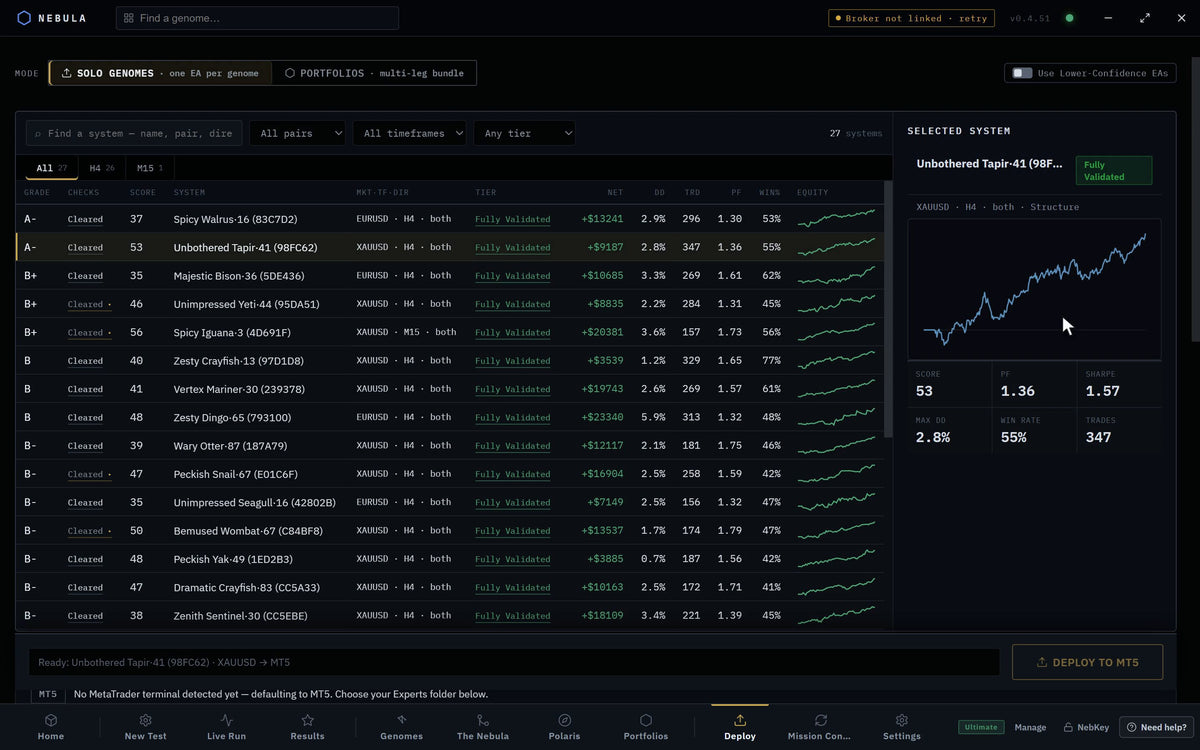
Nebula closes the window and opens the Deploy tab with your system picked.
NebKey›Trading system›Deploy
Check the Experts folder and the account
Nebula finds your MetaTrader install. If it picked the wrong one, click Browse and choose that terminal's Experts folder. Beside the deploy button, a tag shows Demo account or Live account with your broker and login.
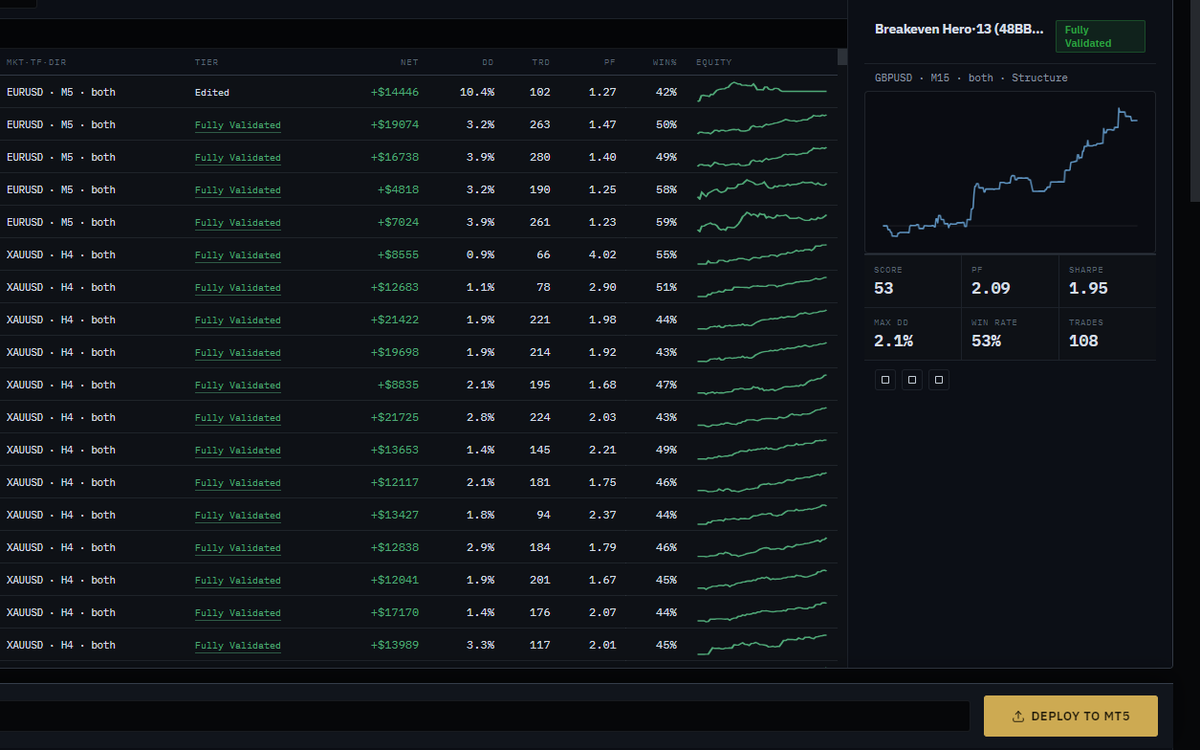
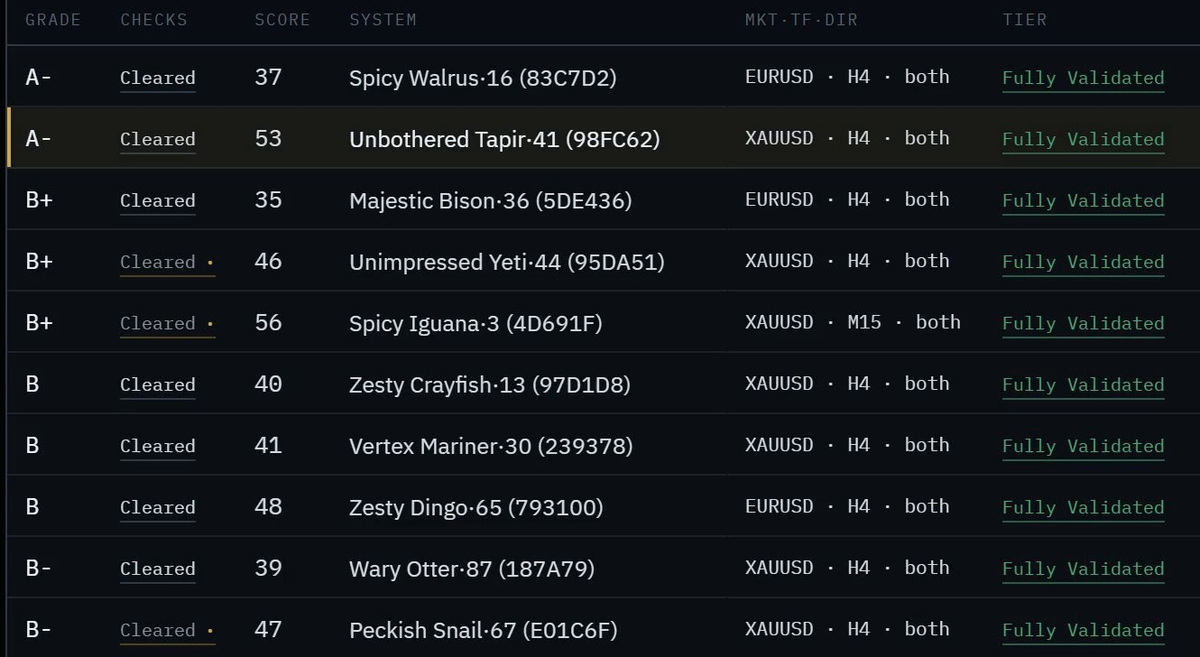
Click Deploy to MT5
On a paid plan the button reads Deploy to MT5. On Free it reads Deploy to MT5, your one free deploy. See the note below.
Answer the prompts
On Free, a window titled "This is your one free deploy" asks you to confirm. Click Yes, deploy this one. On a live account, a second window asks "Deploy to a real money account?". Click Deploy to real account only if you mean it. If your risk setting differs from the one the system was tested at, a "Risk mismatch" window explains the difference.
Find the EA in MetaTrader
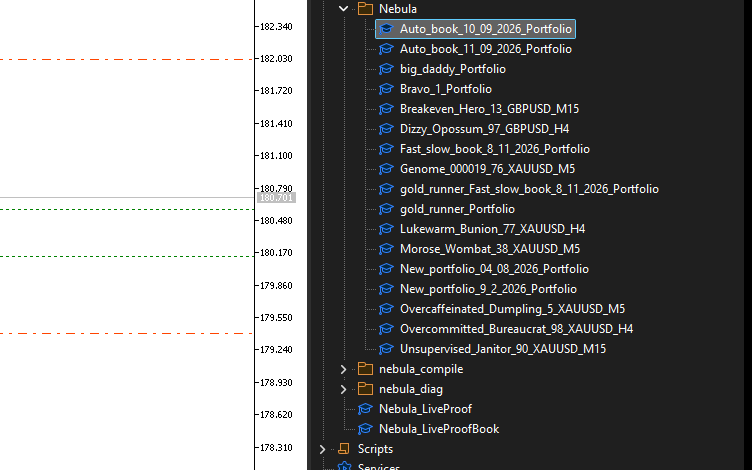
On Windows with MetaTrader 5, Nebula attaches the EA to its chart for you. On a Mac, open the Navigator (Ctrl+N), then Expert Advisors › Nebula, and drag the EA onto a chart of the same symbol and timeframe.
Turn on Algo Trading
Click the Algo Trading button in the MetaTrader toolbar so it is on. The EA is live when the chart shows it as active. See the blog guide Algo Trading settings in MT4 and MT5 for screenshots.
Your free deploy and library systems
| Plan | Deploy a library system? | Uses your free deploy? | Uses the daily deploy? | MT4 |
|---|---|---|---|---|
| Free | Yes | No, the engine does not count it | n/a | No, MT5 only |
| Starter | Yes | n/a | No | No, MT5 only |
| Pro | Yes | n/a | No limit anyway | No, MT5 only |
| Ultimate | Yes | n/a | No limit anyway | No, MT5 only |
Known issue on Free in 0.4.54. The Deploy tab does not yet know a library system is exempt. It labels the button as your one free deploy and asks you to confirm. Nebula's engine does not spend the allowance on a system you bought, so your free deploy stays available afterwards. If you already used your free deploy on another system, the button reads Free deploy used and stays greyed out, even for a system you bought.
What each control does
| Control | Where | What it does | Default |
|---|---|---|---|
| NebKey | Sidebar bottom bar | One door for anything bought on the store | n/a |
| Trading system | NebKey window | Opens Purchased systems | n/a |
| Nebula licence | NebKey window | Opens Activate licence, for your plan key | n/a |
| Refresh | Purchased systems header | Asks the licence server again for what you own | Loads once when the window opens |
| Add to Genomes | System row | Downloads the system into Genomes | Shown while the row says Not downloaded |
| Retry | System row | Tries the download again after an error | Shown after an error |
| Open in Genomes | System row | Tells you the name to look for in Genomes | Shown once added |
| Deploy | System row | Opens the Deploy tab with this system picked | Shown once added |
| Browse | Deploy tab | Picks the MetaTrader Experts folder by hand | Nebula picks the connected terminal |
On a Mac (0.4.52)
Mac downloads currently serve 0.4.52. The steps are the same with older labels.
| 0.4.54 (Windows) | 0.4.52 (Mac) |
|---|---|
| Add to Genomes | Withdraw to vault |
| In Genomes | In vault |
| Open in Genomes | Open in vault |
On a Mac, Nebula connects to MetaTrader 5 only.
If something goes wrong
"Nothing purchased yet"
WhyNebula is activated with a different email from your order
FixActivate with the order email. Click NebKey › Nebula licence and paste the key from that email
"This system isn't on your account yet…"
WhySame as above: purchases are matched by email
FixUse the email on your order. Then click Refresh
"This system is already active on 2 devices…"
WhyEach purchase runs on two devices at most
FixRemove it from one device, or email support@orionrfx.com to move it
"Can't reach the licence server" or "Couldn't reach Nebula's servers"
WhyNo internet, or a firewall blocks Nebula
FixCheck your connection and click Retry
Show 7 more
"Showing your last known purchases…" at the bottom
WhyThe licence server could not be reached, so Nebula shows its saved list
FixAdding needs a connection. Try again when online
"Bridge offline: start the engine and try again."
WhyNebula's engine is still starting
FixWait a few seconds, or restart Nebula
Button says Free deploy is MT5 only
WhyFree deploys to MT5 only
FixConnect an MT5 terminal
Button says Free deploy used for a system you bought
WhyKnown issue on Free, see above
FixEmail support@orionrfx.com. Meanwhile, the .mq5 file from your download email runs in MT5 on its own
"Pick the Experts folder first (Browse button)."
WhyNebula could not find MetaTrader
FixOpen MetaTrader, then click Browse and pick its Experts folder
EA is on the chart but takes no trades
WhyAlgo Trading is off, or the chart is the wrong symbol or timeframe
FixSee the blog guide EA not taking trades
You want MT4
WhyLibrary systems run on MetaTrader 5 only for now
FixUse MetaTrader 5 for this system
Questions
Do I pay again to deploy it?
No. The deploy is included with the system, on every plan.
Is there a redemption code?
No. Your order email is the key.
Can I run it on two computers?
Yes. Each purchase can be claimed on two devices.
Will Nebula track it live?
On Starter and above, Mission Control tracks a deployed system against its tested range. Free shows a preview.
Can I deploy it without Nebula?
Yes. Use the .mq5 file from your download email and install it in MetaTrader 5 yourself. Nebula will not track it then.