Nebula guides
Install the app, run your first test, put an indicator on your chart. Every step matches the version you download today.
From download to your first system
Four guides, in order. Start at step 1 if you have nothing installed.
Install Nebula
Windows or Mac, and the one box your computer asks about.

Activate your key
Click NebKey, then paste the code from your email.
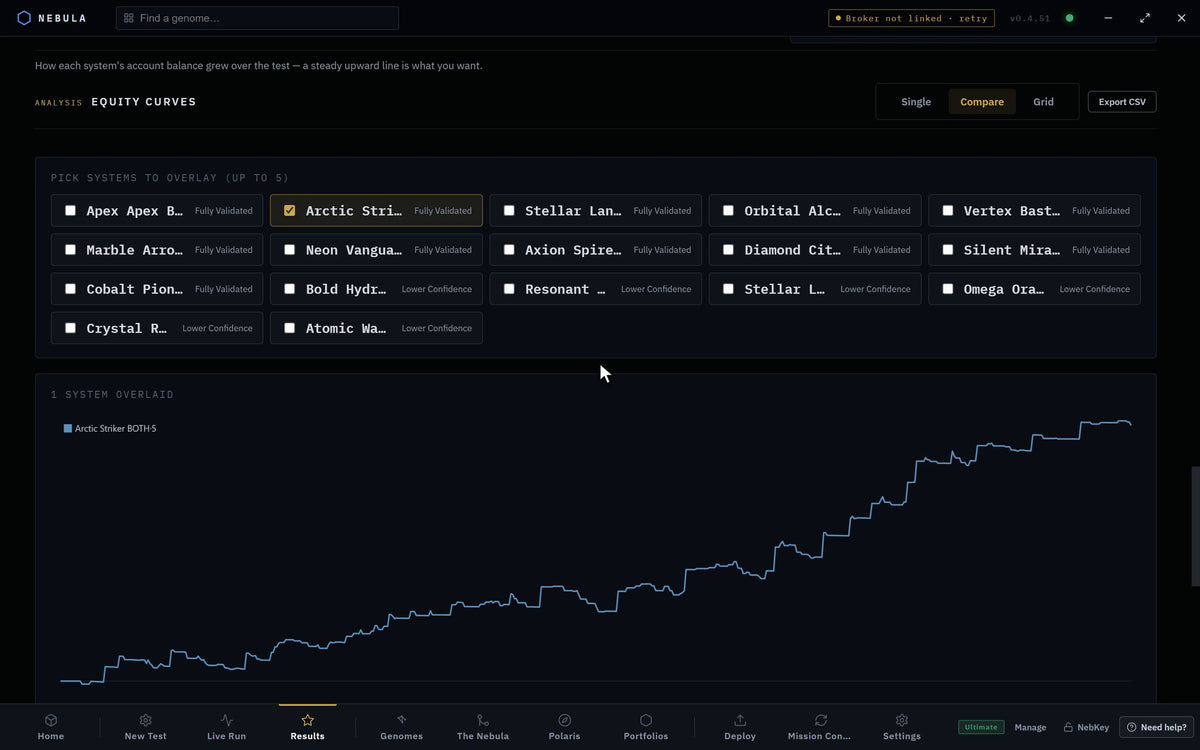
Run your first test
Open New Test, choose your markets, press Build system.

Deploy to MetaTrader
Send a graded system to your Expert Advisors folder.
Nebula will not open on your Mac?
Check your chip and macOS version first. Most fixes take two minutes.
Install and activate
Get the app on your computer and unlock your plan.
Connect MetaTrader
Nebula reads prices from your own terminal. A demo account is fine.
Build and test
Build, grade and send a system to your terminal.
Run it live
Tracking, alerts, rules and fixes once a system is on a chart.
Systems Library
You bought a system. Here is where everything is.
TradingView indicators
Get access, put them on your chart, and read what they draw.
Plans and billing
Change, renew or cancel, in plain terms.
No guide matches that. Try a shorter word, or ask in the Discord.
Still stuck?
Send a report from inside Nebula and support gets the details it needs. Or ask in the Discord, where questions get answered daily.